
They Are Getting Harder to Detect
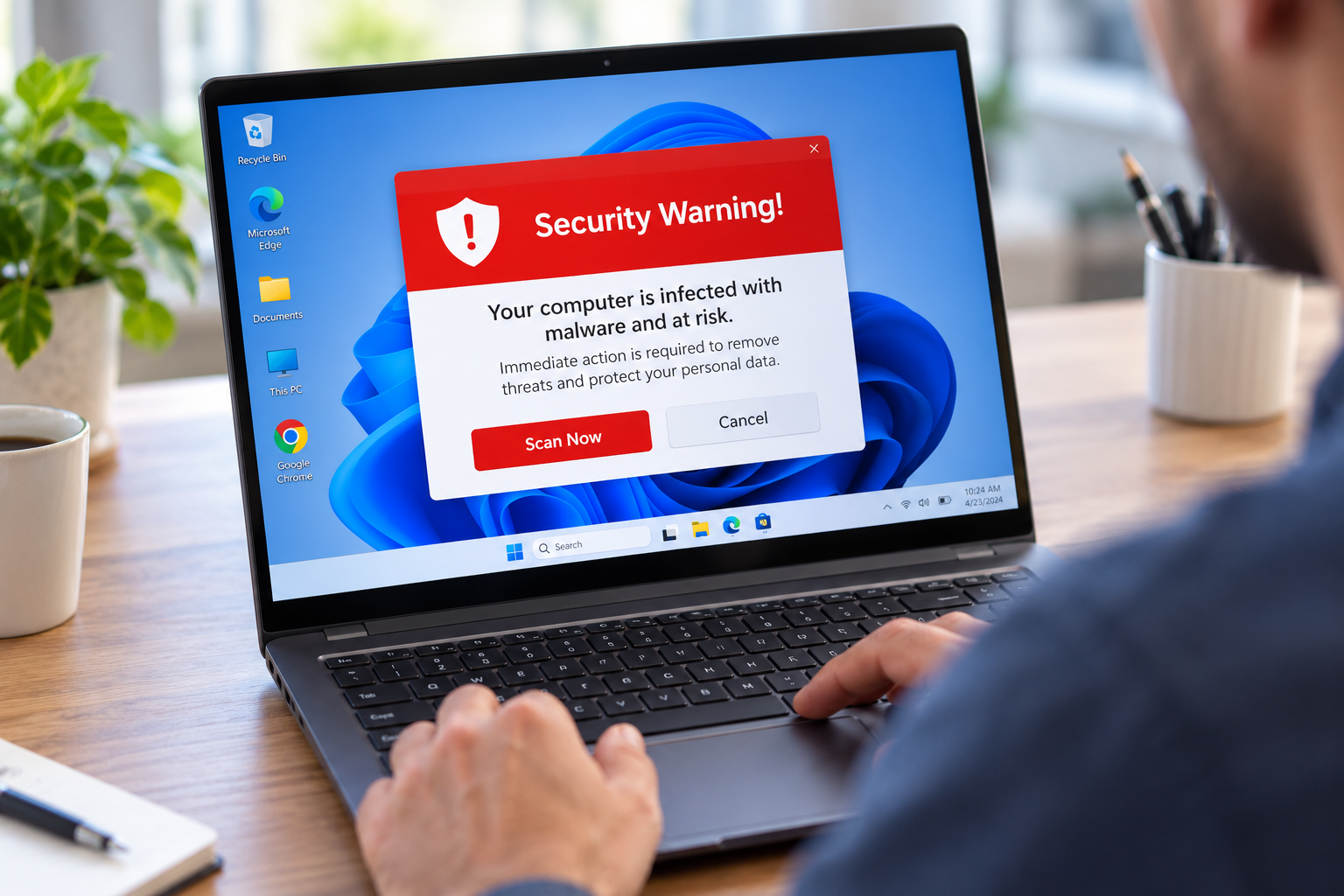
The screen fills with a warning. There is a siren sound, or a voice telling you your computer has been locked. There is a phone number, and it says to call immediately. Microsoft's name and logo are right there at the top.
None of it is real. Not the warning, not the logo, not the number. But it is convincing enough that these scams cost people a great deal of money every year, and the people who fall for them are not careless. They are ordinary people having a bad moment on a day they were not expecting it.
Here is how to recognize one, and what to do if you are already in the middle of it.
The Six Red Flags
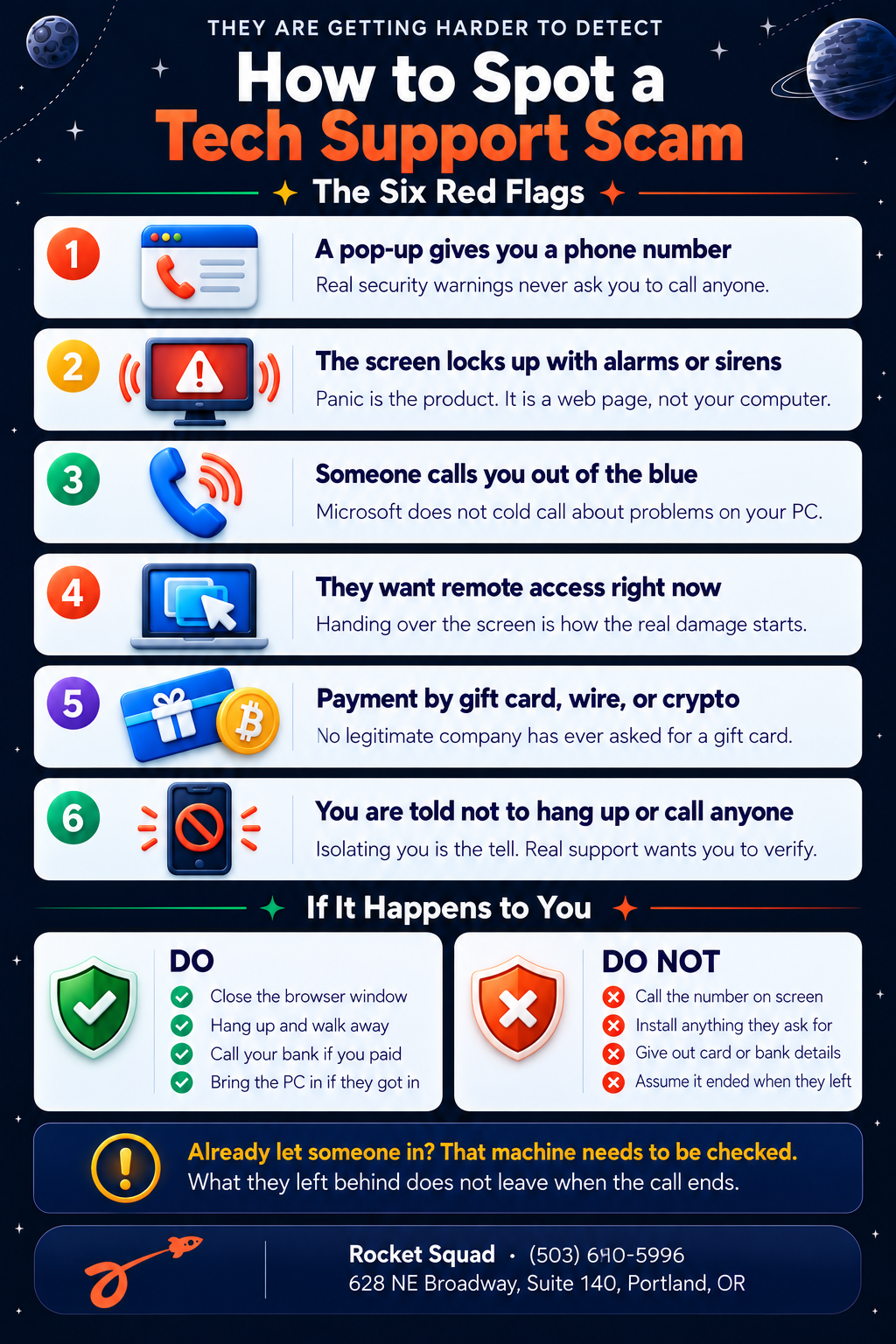
1. A pop-up gives you a phone number.
This is the single clearest sign. Your computer does not have a support hotline built into its error messages. Neither Windows nor your antivirus software will ever put a phone number on screen and ask you to call it. Not once, not ever.
If you see a number in a warning message, the warning is fake. It does not matter how official the rest of it looks.
2. The screen locks up with alarms or flashing text.
Scam pages are designed to panic you. They play sounds, flash red, open at full screen, and sometimes refuse to close normally. The urgency is the whole point, because a person who is panicking does not stop to think.
Here is the thing worth holding onto: in most cases this is just a web page behaving badly. Your computer is not locked and your files are not encrypted. It only looks that way.
3. Someone calls you out of the blue.
Microsoft does not call people. Neither does Apple, your internet provider, or your antivirus company. They have no way of knowing your computer has a problem, and no reason to telephone you about it if they did.
Scammers will tell you they detected a virus on your network, or that your license has expired, or that your computer is sending out error reports. All of it is invented.
4. They want remote access right now.
This is the moment the call turns from annoying to genuinely dangerous. Once someone has control of your screen, they can install whatever they like, open your files, read your saved passwords, and go through your email.
Remote access tools are legitimate. We use them, and so does every real support operation. What is not legitimate is a stranger who called you asking for access in the first five minutes of a conversation you did not start.
5. Payment by gift card, wire transfer, or cryptocurrency.
No real company bills this way. Ever. If someone asks you to buy gift cards and read them the numbers over the phone, you are being robbed, and the request itself is all the proof you need.
These payment methods get used because they cannot be reversed. That is the only reason.
6. You are told not to hang up or talk to anyone.
Scammers will tell you not to call your bank, not to talk to family, not to put the phone down. Sometimes they will stay on the line with you while you drive to a store.
Real support has no problem with you taking a moment to verify who you are talking to. Anyone working hard to keep you isolated is telling you exactly what they are.
Why These Scams Keep Working
The old version of this scam was easy to spot. Bad grammar, obvious fakery, a caller who clearly had no idea what they were talking about.
That is not what you get now. The pop-ups use real logos and real product names. The phone scripts are polished. Some operations run fake websites that look like legitimate repair companies, and buy ads so those sites appear at the top when someone searches for support. Caller ID can be made to display any name they want.
The warning signs have moved. It is no longer about whether something looks professional, because it will. It is about the pattern: an urgent message you did not go looking for, a phone number you did not find yourself, and a request for access or payment.
What to Do If It Happens
If you are looking at a pop-up and have not called anyone: close the browser window. If it will not close normally, hold the power button until the computer shuts off, then turn it back on. Do not call the number. Nothing is actually wrong with your PC.
If you are on the phone with someone right now: hang up. You do not owe them an explanation and you do not need to argue. Just put the phone down.
If you already gave them money: call your bank or card company immediately and tell them it was a scam. Speed matters here. If you bought gift cards, call the company that issued them, because funds are sometimes recoverable if you move fast enough.
If you already gave them access to your computer: this is the one that needs real attention. Disconnect the machine from your Wi-Fi and stop using it for anything involving passwords or banking.
Why Remote Access Is the Serious One
When someone has been inside your computer, hanging up does not end it. They may have installed software that lets them back in later. They may have collected saved passwords from your browser. They may have left something running that is not obvious from looking at the screen.
A quick antivirus scan is not enough here, because the tools they use are often legitimate software being used for a bad purpose, which means scanners frequently leave them alone.
This is worth having a technician look at properly. We check what was installed, what was changed, and what is still running, then clean it out and make sure the machine is actually yours again. If you are in Portland and this has happened to you, bring the computer in. Sooner is better.
A Note on Helping Family
Older relatives get targeted more than anyone else, and the hardest part is usually not the technical side. It is that people feel embarrassed and do not mention it.
If you have family members who might run into this, the most useful thing you can tell them is simple and easy to remember: no real company will ever call you about your computer, and no real warning will ever give you a phone number. If either of those happens, hang up or close it, then call someone you trust.
We Will Tell You Straight
If you are not sure whether something on your screen is real, that is a perfectly good reason to ask. We would much rather tell you a pop-up is harmless than see the same computer three weeks later with someone else's software on it.
Rocket Squad handles virus and malware removal at our service center on NE Broadway in Portland. Bring the machine by, and we will tell you what we find and what it will take to sort out before any work begins.
