
How to Tell If Your Computer Has a Virus (And What to Do Next)
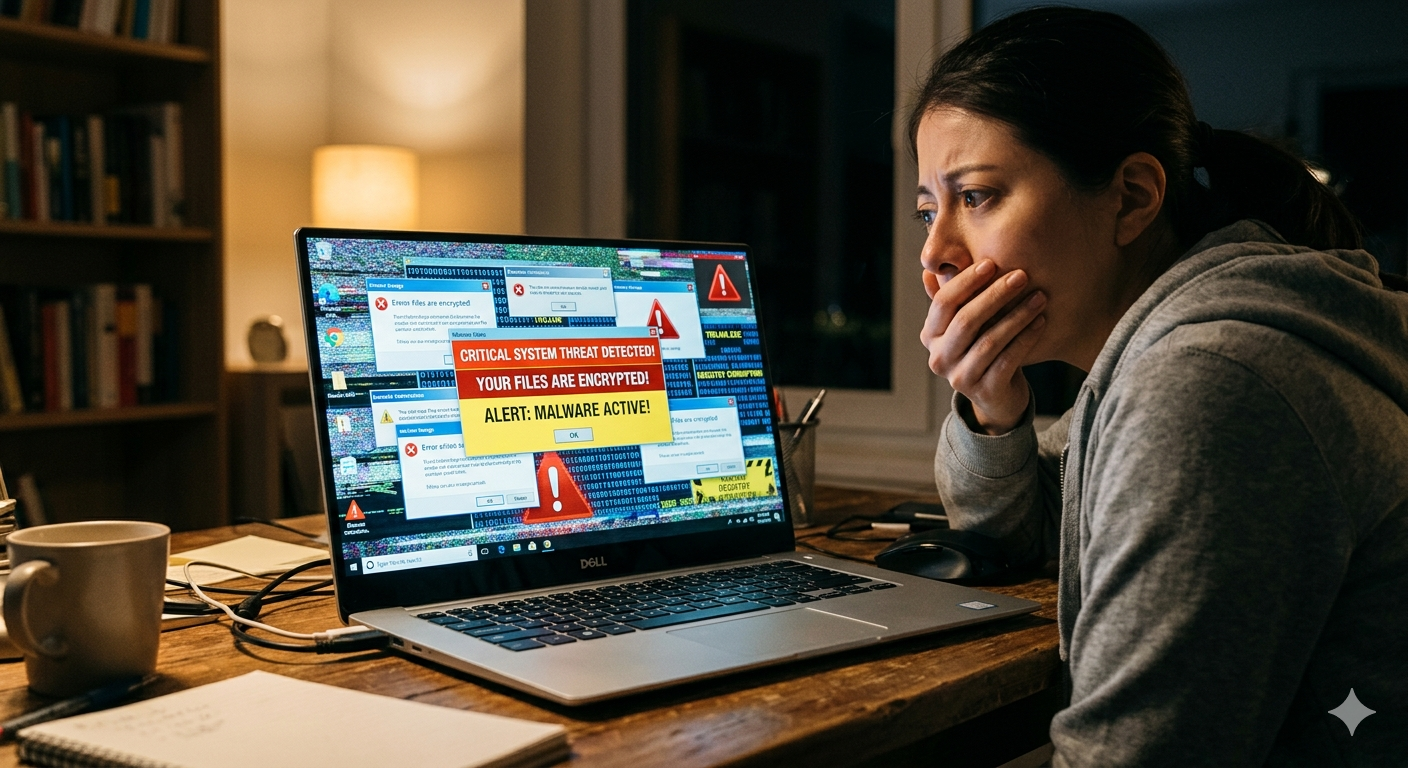
Something feels off. Your computer is acting strange — maybe it’s slower than usual, maybe you’re seeing pop-ups you didn’t ask for, or maybe programs are crashing for no apparent reason. Your gut says something is wrong, and you’re probably right.
Viruses and malware are more common than most people realize, and they’ve gotten a lot more sophisticated than the obvious pop-up-filled infections of the early 2000s. Today’s threats are designed to stay hidden while they do their damage — stealing personal information, logging your passwords, or quietly using your system’s resources in the background.
Here’s how to recognize the warning signs, and what to do if you think your PC has been compromised.
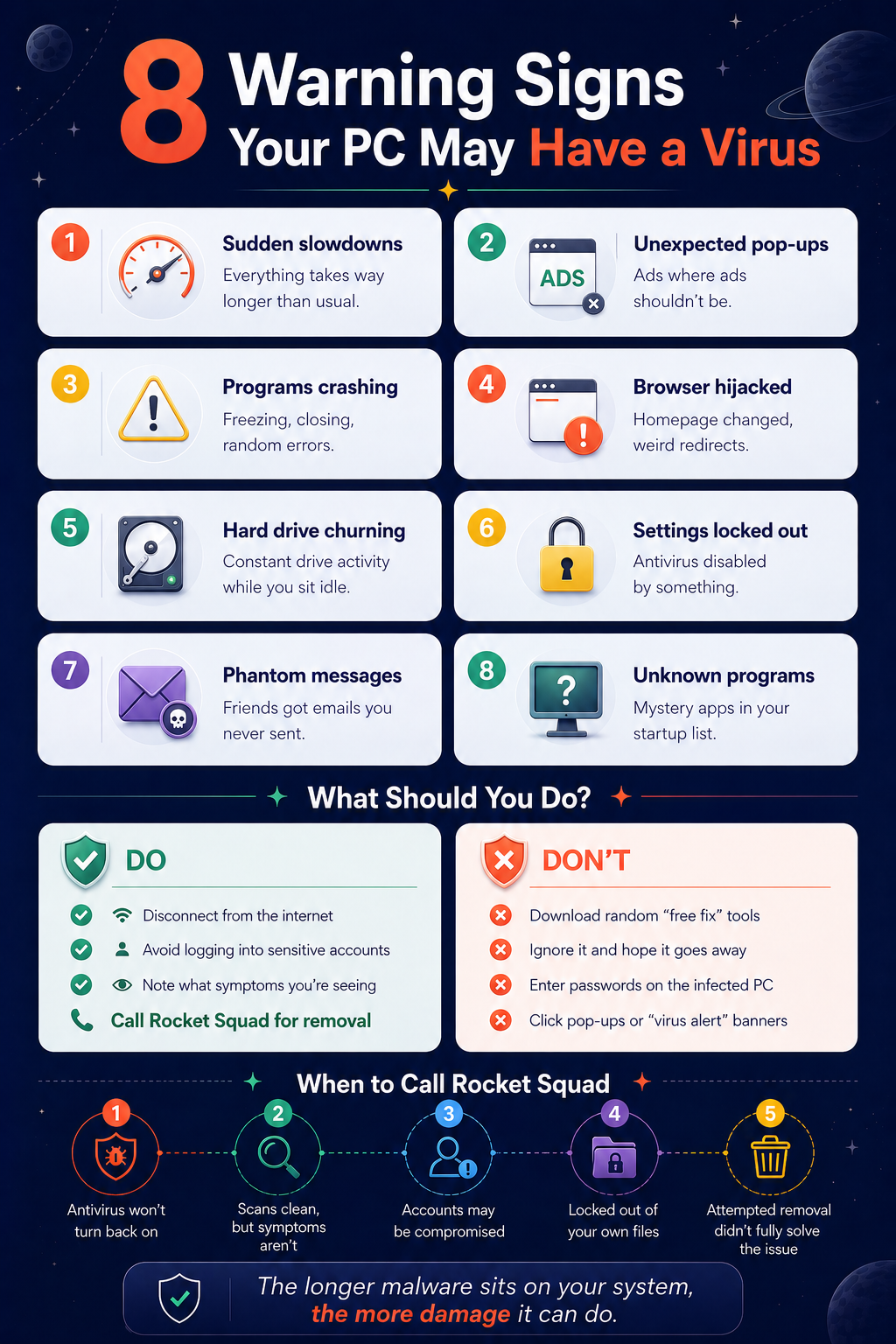
Warning Signs Your PC May Be Infected
Not every slow computer has a virus, and not every virus makes your computer slow. But if you’re noticing several of these symptoms at once, there’s a good chance something unwanted is running on your system.
Your computer is noticeably slower.
If your PC was running fine last week and now everything takes forever — booting up, opening programs, loading web pages — that’s one of the most common early signs. Malware often runs processes in the background that eat up your system’s memory and processing power.
You’re seeing pop-ups or ads you didn’t expect.
If advertisements are appearing on your desktop, in your browser, or in places where ads don’t normally show up, that’s a red flag. This is especially true if they appear even when your browser is closed.
Programs are crashing or behaving strangely.
Applications that used to work fine are suddenly freezing, closing on their own, or throwing error messages. This can happen when malware interferes with normal software operations.
Your browser has changed without your permission.
If your homepage is suddenly different, you have new toolbars you didn’t install, or your searches are being redirected to unfamiliar sites, something has tampered with your browser settings.
Your hard drive is unusually active.
If you can hear your hard drive churning away or your system’s fan is running at full speed even when you’re not doing anything demanding, background processes may be at work.
You’re locked out of settings or tools.
Some malware disables your antivirus software, blocks access to Task Manager, or prevents you from opening security settings. If you suddenly can’t access tools you normally use, that’s a serious warning sign.
Contacts are receiving messages you didn’t send.
If friends, family, or coworkers tell you they’ve received strange emails or messages from your accounts, your system or accounts may have been compromised.
Unfamiliar programs are running.
If you notice programs in your system tray or startup list that you don’t recognize and didn’t install, they may have been placed there by malware.
What You Should Do (And What You Shouldn’t)
If you’re seeing several of the signs above, here’s the most important thing to know: acting quickly matters. The longer malware sits on your system, the more damage it can do — and the harder it can be to fully remove.
Disconnect from the internet.
If you suspect an active infection, disconnecting from Wi-Fi or unplugging your ethernet cable can prevent malware from sending your data out or downloading additional threats. This is a good first step while you figure out your next move.
Don’t start downloading random “fix it” tools.
This is where a lot of people make things worse. Searching for “free virus removal” and downloading the first thing you find can actually introduce more malware onto your system. Many of those tools are themselves scams designed to look like antivirus software.
Don’t ignore it and hope it goes away.
This almost never works. Most infections get worse over time, not better. What starts as a minor annoyance can escalate into stolen passwords, compromised bank accounts, or a system that won’t boot at all.
Be cautious with your passwords.
If your PC is infected, anything you type — including passwords and financial information — could potentially be captured. Avoid logging into banking, email, or other sensitive accounts on the infected machine until it’s been cleaned.
When to Call a Professional
Modern malware is designed to resist removal. It hides in system files, reinstalls itself after deletion, and often disables the very tools you’d use to get rid of it. Running a basic antivirus scan can catch simple threats, but a clean scan result doesn’t always mean your system is actually clean — some infections are specifically built to evade detection by consumer antivirus software.
A professional virus and malware removal goes deeper. It involves examining your system at a level that most off-the-shelf tools don’t reach, identifying every trace of the infection, removing it completely, and then making sure your system is secured against future threats.
This is especially important if you’re dealing with any of the following situations — your antivirus has been disabled and you can’t turn it back on, you’re seeing signs of infection but your scans come back clean, your personal or financial accounts may have been accessed, you’re getting locked out of your own files (which could indicate ransomware), or you’ve already tried to remove the infection yourself and the symptoms keep coming back.
In any of these cases, the safest move is to have a trained technician take a thorough look.
Prevention Is Easier Than Cleanup
Once your system is clean, a few habits go a long way toward keeping it that way. Keep Windows and your software updated, be cautious about what you download and which email attachments you open, use strong and unique passwords for your accounts, and make sure you have a reliable backup in place so your files are protected even in a worst-case scenario. A professional tune-up can also help ensure your system is optimized and secured after a cleanup.
Need Help? We’re Here.
If your PC is acting suspicious and you’re not sure what’s going on, don’t wait for it to get worse. Rocket Squad offers thorough virus and malware removal at our NE Broadway service center in Portland. We’ll diagnose the issue, clean your system completely, and make sure you’re protected going forward. Honest pricing, no surprises, walk-ins welcome.