
SSD vs. HDD: Why Upgrading Your Hard Drive Is the Best Money You’ll Spend
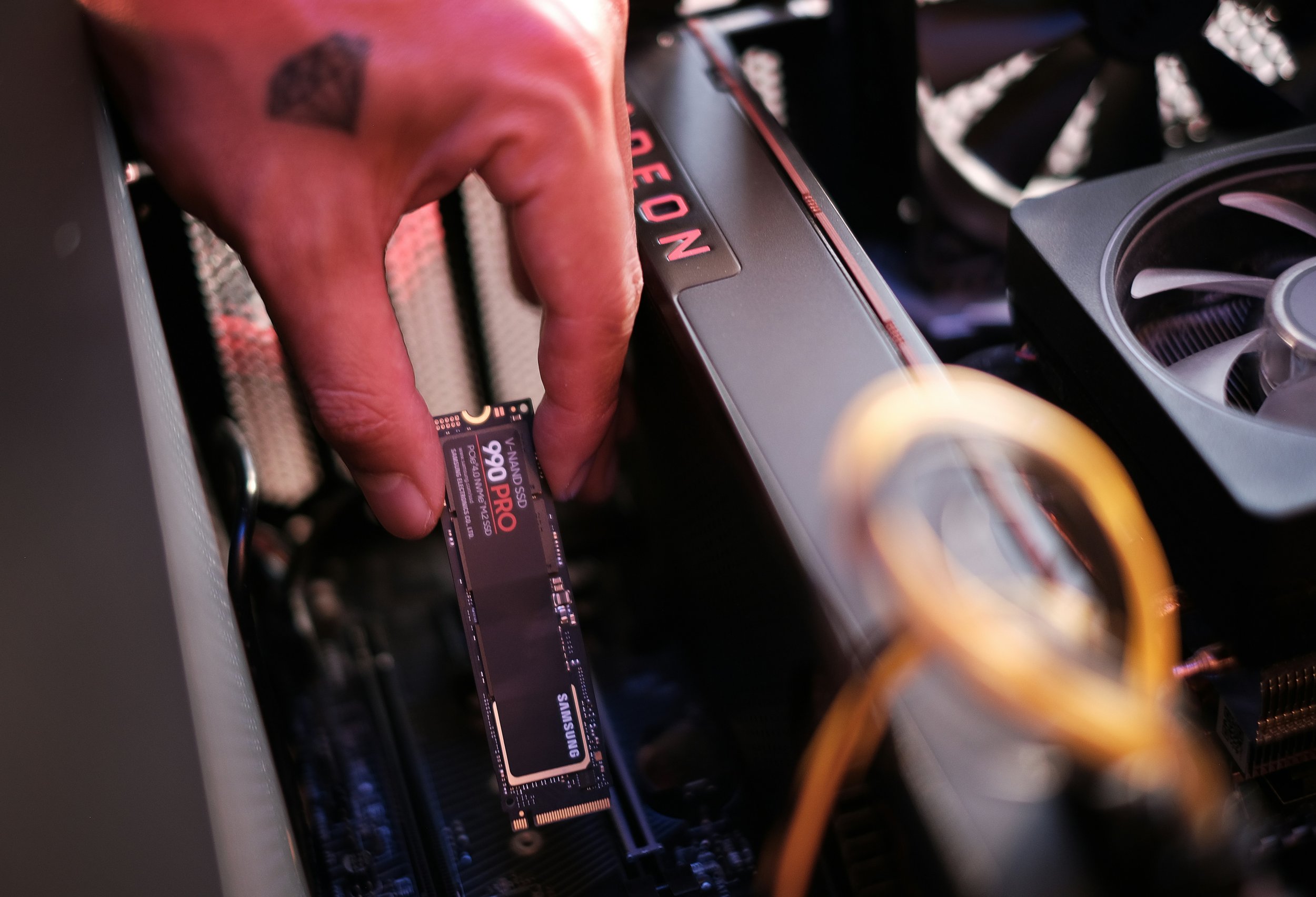
If your computer feels slow — takes forever to boot up, programs are sluggish to open, and everything just feels like it’s dragging — there’s a very good chance the culprit is your hard drive.
Many PCs and laptops that are a few years old still come with traditional hard disk drives (HDDs). These drives use spinning mechanical platters to read and write data, and while they get the job done, they’re dramatically slower than the modern alternative: solid state drives (SSDs).
Swapping an old hard drive for an SSD is, hands down, the single most impactful upgrade you can do for most computers. Here’s why.
What’s the Difference Between an SSD and an HDD?
A traditional HDD stores data on spinning magnetic disks. A tiny mechanical arm moves across those disks to read and write information. It works, but it’s slow — and because there are moving parts inside, it’s also more vulnerable to damage from drops and bumps.
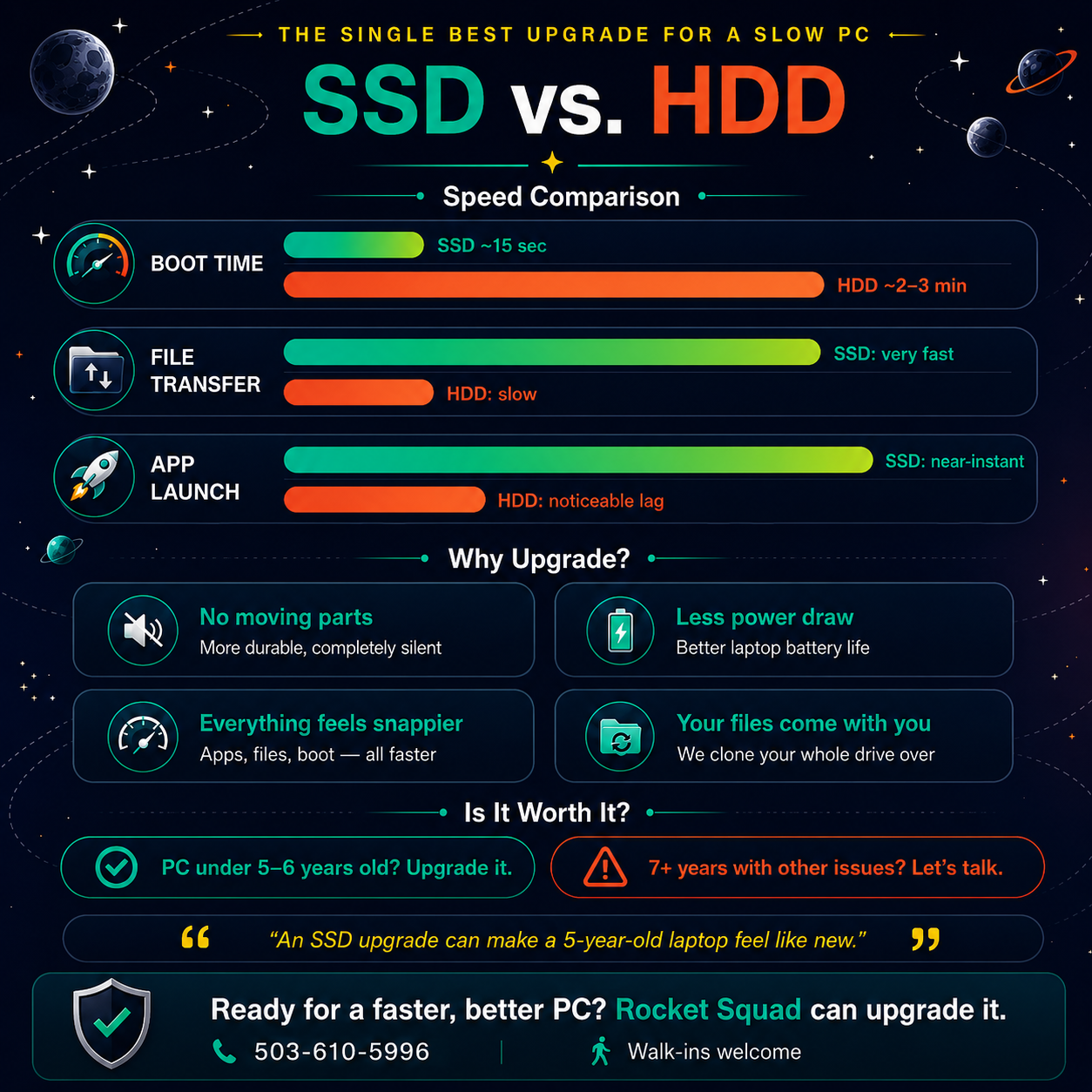
An SSD stores data on flash memory chips — similar to the storage in your phone. There are no moving parts, which means it’s faster, quieter, more durable, and uses less power.
The difference in everyday use is dramatic. A computer that takes two or three minutes to boot with an HDD can boot in 15 to 20 seconds with an SSD. Programs open almost instantly. Files load faster. The whole system just feels different.
How Do You Know If Your PC Still Has an HDD?
If your computer is more than three or four years old and you’ve never had the drive upgraded, there’s a good chance it still has one. Some telltale signs include a long boot time (over a minute), a noticeable delay when opening programs or files, and sometimes an audible clicking or whirring from inside the machine.
Windows also has a built-in tool that can tell you. But honestly, the easiest way to find out is to bring it in or give us a quick call.
What Does the Upgrade Involve?
An SSD upgrade is one of the more straightforward hardware repairs. In most cases, we’ll clone your existing drive onto the new SSD, which means all your files, programs, settings, and even your desktop wallpaper transfer over. When you get your machine back, everything looks and works the same — it’s just dramatically faster.
For older machines with very full or failing drives, we may recommend a fresh Windows install on the new SSD instead, followed by migrating your important files. Either way, we’ll walk you through the options and make sure nothing important is lost in the process.
Most SSD upgrades at Rocket Squad are completed in 1-3 days.
Is It Worth Upgrading, or Should You Just Get a New Computer?
If your PC is less than five or six years old and the only real complaint is speed, an SSD upgrade almost always makes more sense than buying a new machine. You’ll get a massive performance boost for a fraction of the cost of a new computer.
If your machine is older than that or has other issues — a failing screen, dying battery, or hardware problems beyond the drive — it may make more sense to put that money toward a replacement instead. We’ll always give you an honest recommendation.
Pairing an SSD upgrade with a RAM upgrade is also worth considering. If your laptop has 4GB of memory, bumping it to 8GB or 16GB alongside the new SSD can make an even bigger difference.
Ready to Speed Up Your PC?
If your computer feels slow and you’re tired of waiting, an SSD upgrade might be exactly what it needs. Bring it by Rocket Squad on NE Broadway in Portland and we’ll take a look, let you know what’s possible, and give you a clear quote.